The " Flipped Classroom" is a very interesting and useful concept for students of all ages. It allows students to watch videos to help prepare them for class the following day. Class will then be spent answering any questions you may have pertaining to the video. This allows students to learn not only from the teacher but also another source. It limits the amount of talking the teacher has to do and allows for more questions to be asked. It also allows for more classroom time to be used for more productive things. Its a very cool because teachers have a choice between using videos from an already given site such as khan academy or, make there own videos. A teacher is able to personalize these videos for his or her teaching them exactly what they want to teach them as appose to them retaining information they don't need to know. This is also a great thing for students who miss class because it allows them to stay up to date without being there. There are many websites where teachers can post there different videos
https://www.khanacademy.org/
https://www.teachertube.com/


https://www.khanacademy.org/
https://www.teachertube.com/
Our podcast was all about open education. Open education is defined as "education without academic admission requirements and is typically offered online." This basically means that its education that everyone is open too. Anyone can learn from these sources!! Anyone from all around the world is able to have access to different videos or textbooks or just websites that help students learn more. This is allowing are society to grow and become more educated. Many people are not able to get the education they want because of financial issues, family issues, or just issues out of there control. This allows for everyone no matter the problem be able to get one step closer to learning. This allows us to make it easier to make everyone in our society educated. There is a really great website called oer commons that allows you to build your own lesson plans if your a teacher or give you access to worksheets to test your knowledge right in the comfort of your own home.
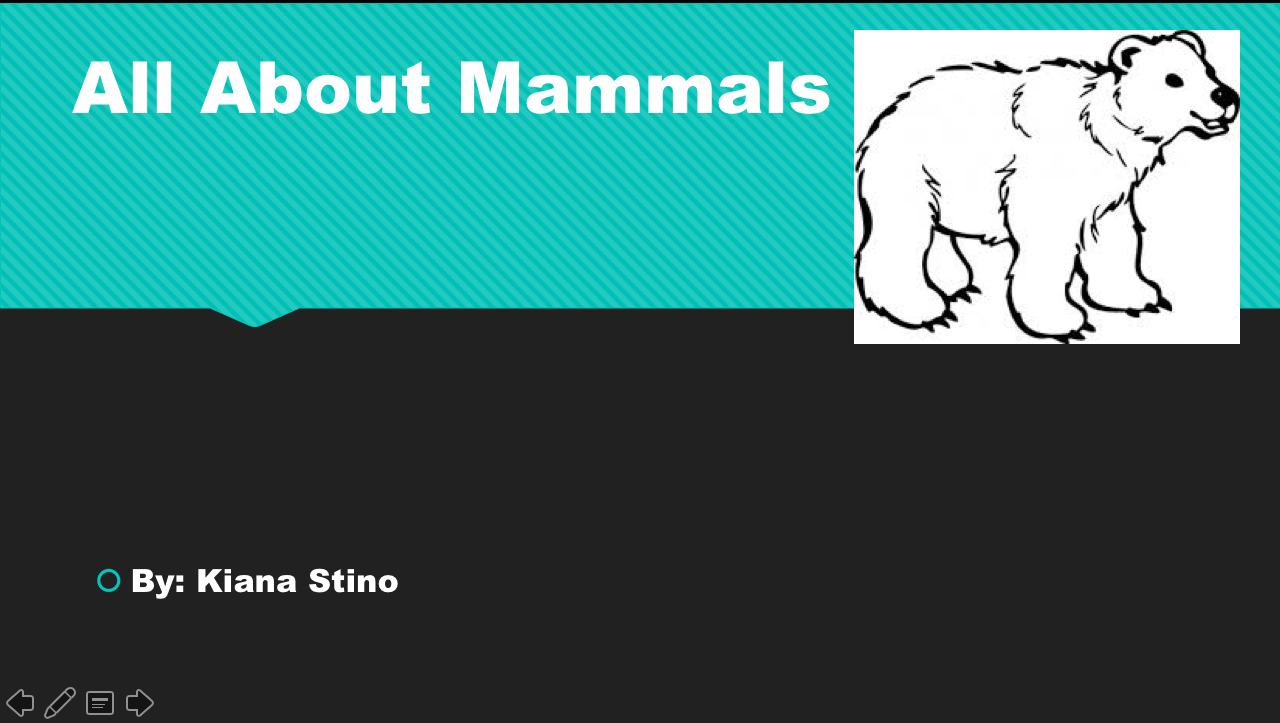
Ive learned a lot about powerpoint through my two powerpoint projects. I learned how to insert pictures, insert animation, add transitions and even do voice overs. I absolutely love powerpoint because I think it is such a fun way to learn. It allows for a more visual way as appose to just listen and taking notes. The pretty backgrounds and word fonts can really change the look of work and make it more appealing. I love the use of animations and slide transitions and think its a really good way to grasp a persons attention. I personally am not a big fan though of voice overs. I rather speak to my class while the powerpoint is going as appose to letting the powerpoint play with my voice. I feel that this is an easier way to connect more with your students during class discussions and allows for more conversation. Here is a sneak peak at both of my projects!

I agree with you about the voice overs. However, it can be a useful tool for a flipped classroom or for absent students.
ReplyDelete